
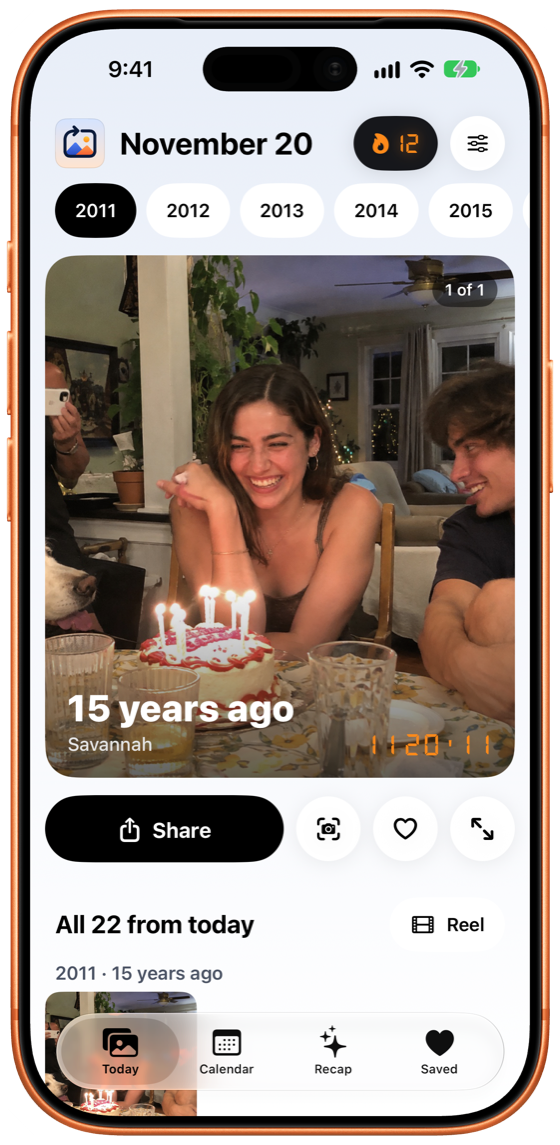
Your camera roll has been keeping a diary.
You just never had a reason to read it on the right day.
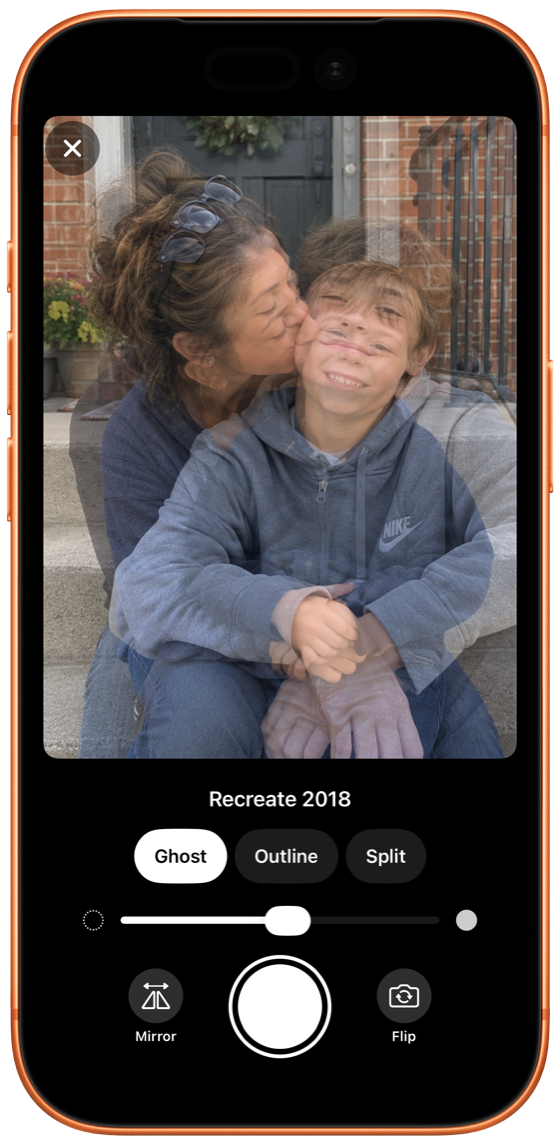
Recreate it.
Open the camera over an old photo and line yourselves up again. Ghost fades the old one over the live view, Outline traces it, Split shows both halves.
Back Around aligns the two for you and makes a side by side, a slider or a fade. It can even remind you to do it again next year.
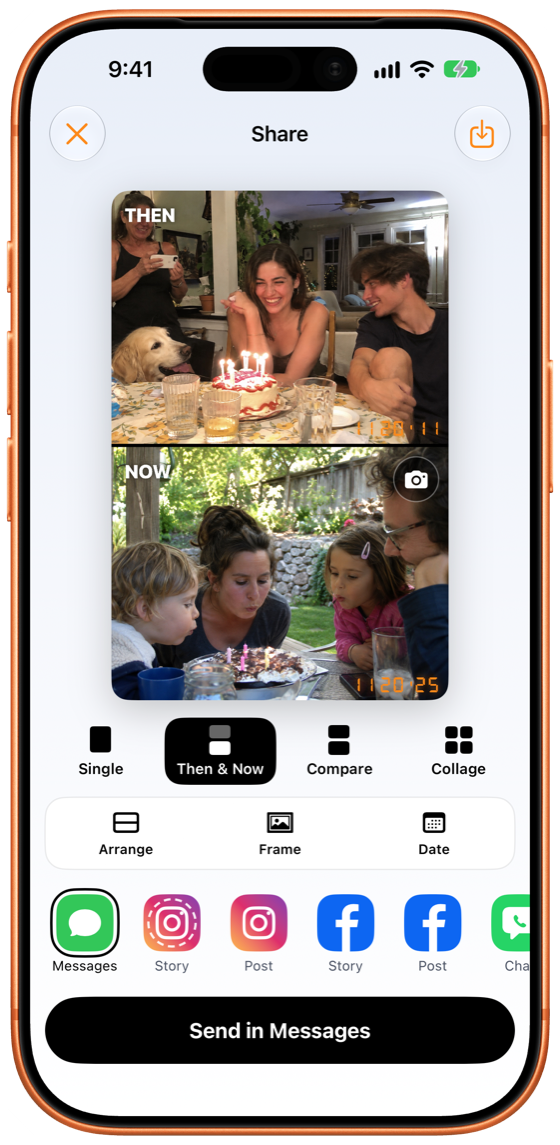
Share it in three taps.
Tap where it's going, Messages, Instagram or Facebook, and the preview resizes to fit. Pick a single photo, then and now, or a collage. Add the date stamp if you're feeling nostalgic.
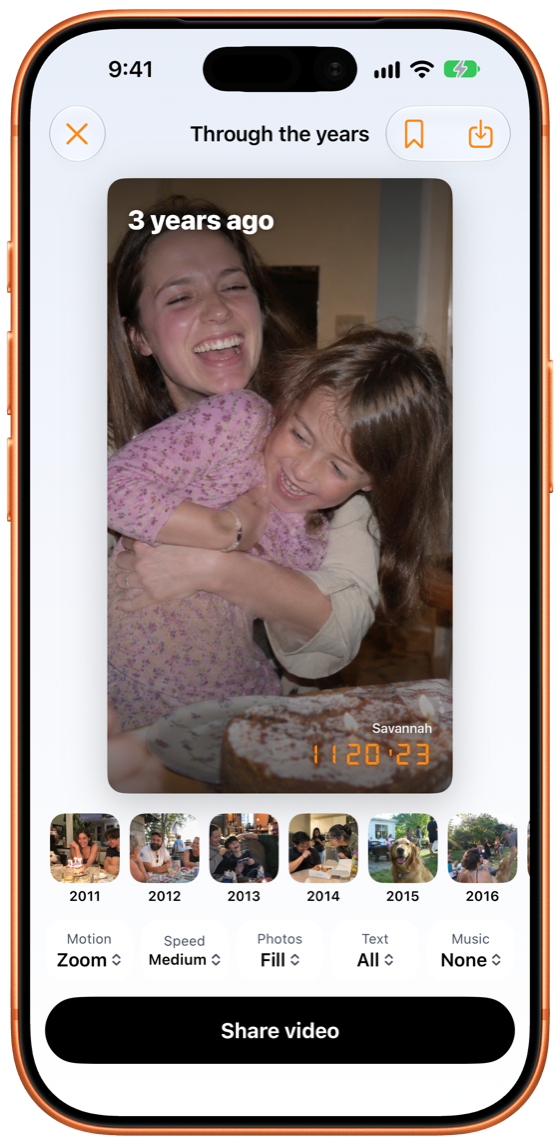
Every year, one video.
Through the years turns a date into a short video, one year after another. Choose the photos, the motion and the captions, then share it or save it.
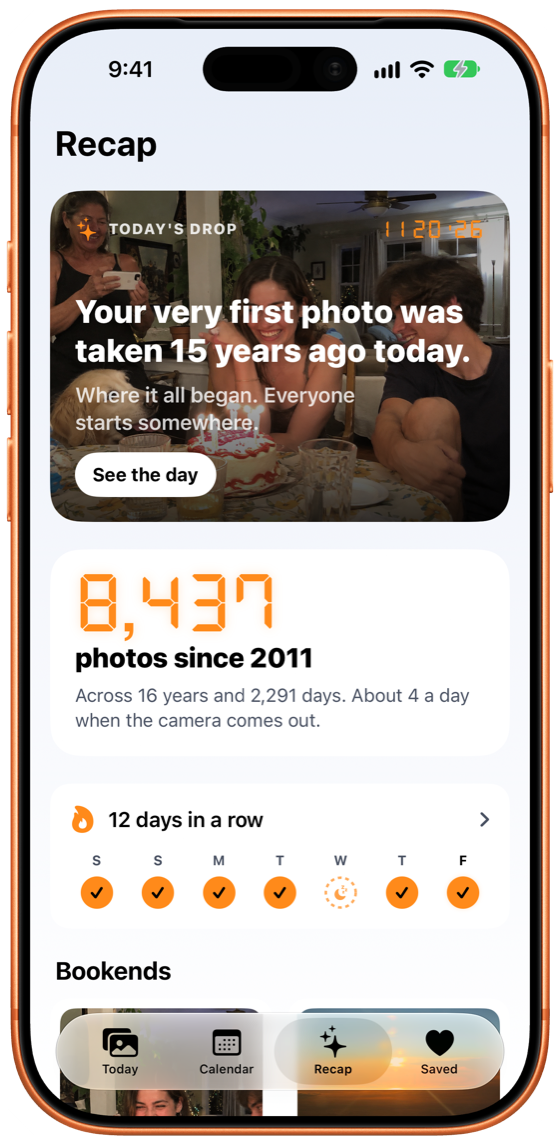
A new fact every day.
Recap drops one fact about your own library each day. The anniversary of your first photo. How many you've taken since. The weekday you can't stop shooting.
Open it a few days running and you'll earn a streak. Days with no old photos don't count against you. We're not monsters.
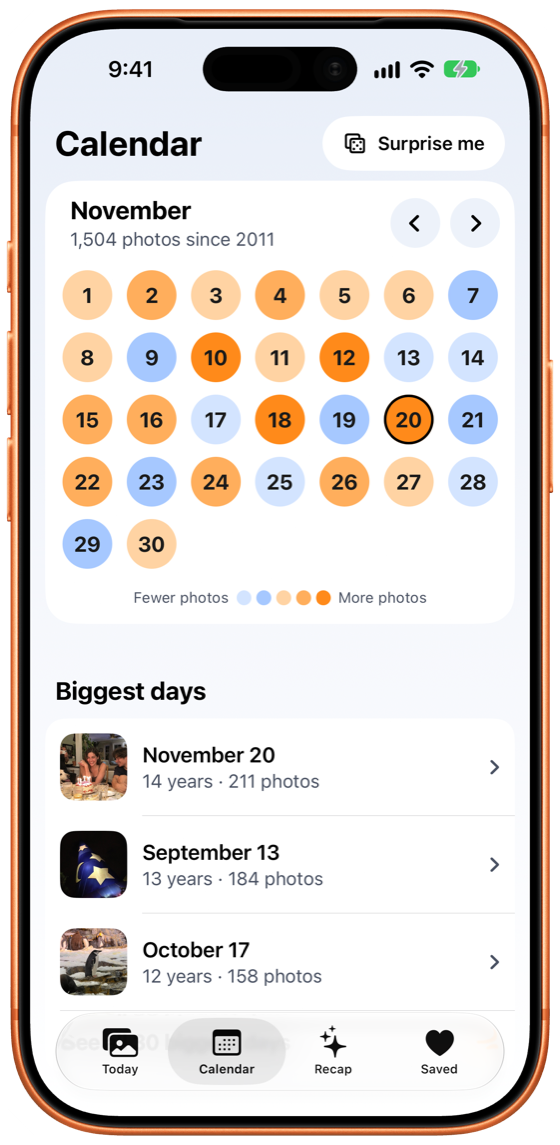
Any day, any year.
The calendar glows where your library is busiest. Tap any day to see it across the years, or let Biggest days point you to the ones you photographed the most. Surprise me picks one for you.
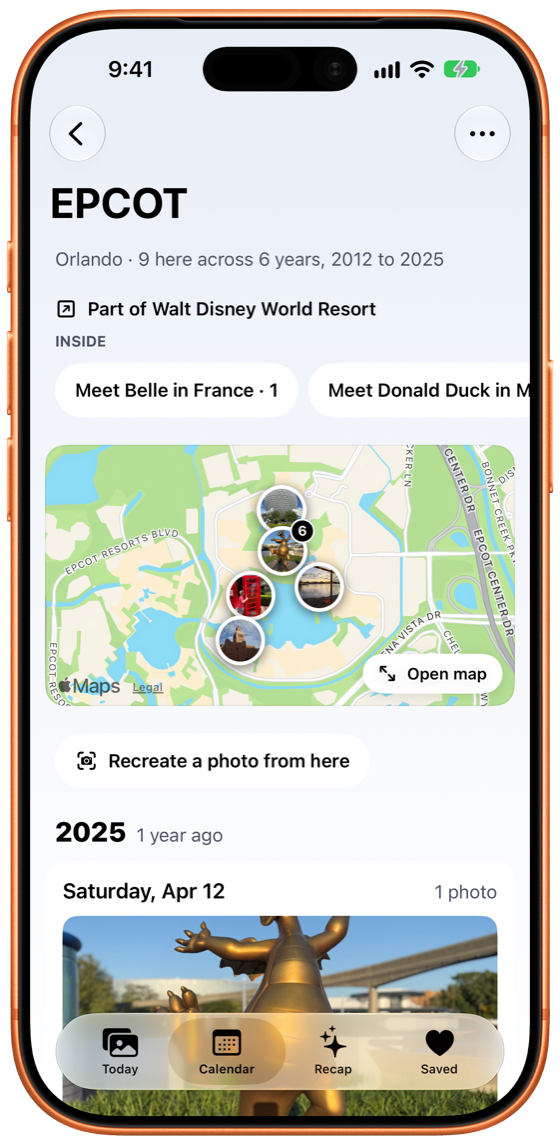
The places you keep going back to.
Back Around notices where you return and how often. Open a place to see every visit on a map, year by year, and recreate a photo right where it was taken.
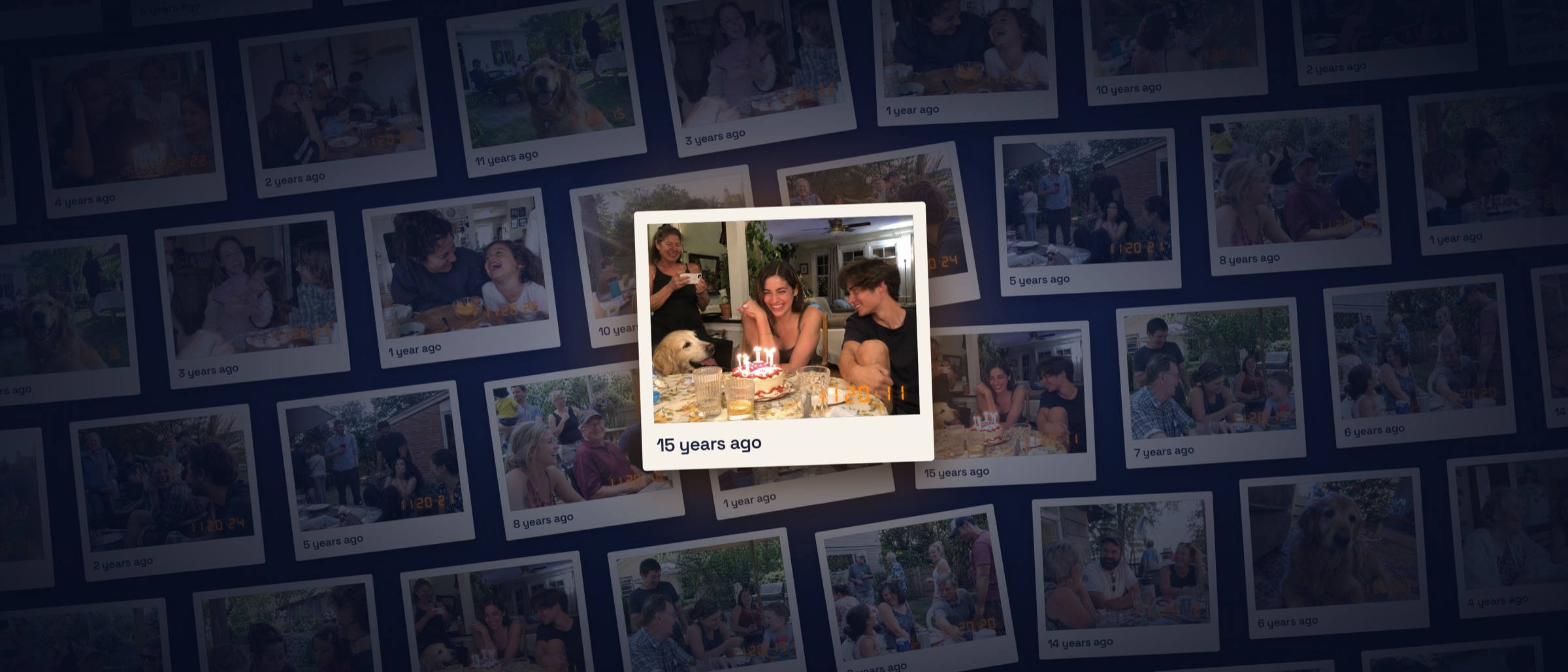
Your memories aren't our business model.
- Stays on your deviceYour library is read on your iPhone or iPad. Nothing is uploaded.
- Never touches your photosIt doesn't edit, move or delete anything. It only saves what you ask it to.
- No account, no adsNo sign-up, no analytics, no tracking. Just open it.
- Hide anythingA photo, a whole day or an album. Some anniversaries are better left alone.
- Gentle remindersOff until you say so, only on days with photos, and they never show the photo.
- WidgetsToday's memory on your Home Screen and Lock Screen.
Something not coming back around?
Why don't I see any photos today?
Back Around shows photos taken on this date in earlier years, so it needs a library that goes back a while. If you gave it access to only some photos, it can only see those. Change that in the Settings app under Privacy & Security, Photos, Back Around.
Will it change or delete my photos?
Never. It reads your library and leaves it as it is. The only things it adds are shares and photos you choose to save.
How do I hide a photo or a day?
Open the photo and choose Hide. You can hide just that photo, the whole day or the album it came from. Everything you've hidden is listed in Settings, where you can bring it back.
How do I turn reminders on or off?
Settings, then Reminders. Pick a time or turn them off. They only arrive on days that have memories, and they never include the photo.
Does it work without a connection?
Yes. Your photos and everything you make work offline. Place names and maps come from Apple Maps, so those need a connection the first time.
Why do photos from iCloud take a moment?
If your iPhone keeps smaller copies to save space, the full photo downloads from iCloud when you open it. That's Apple's iCloud Photos, and the photo still never passes through us.
Still stuck?
Send a note and a human will write back.